Review duplicates and similar photos
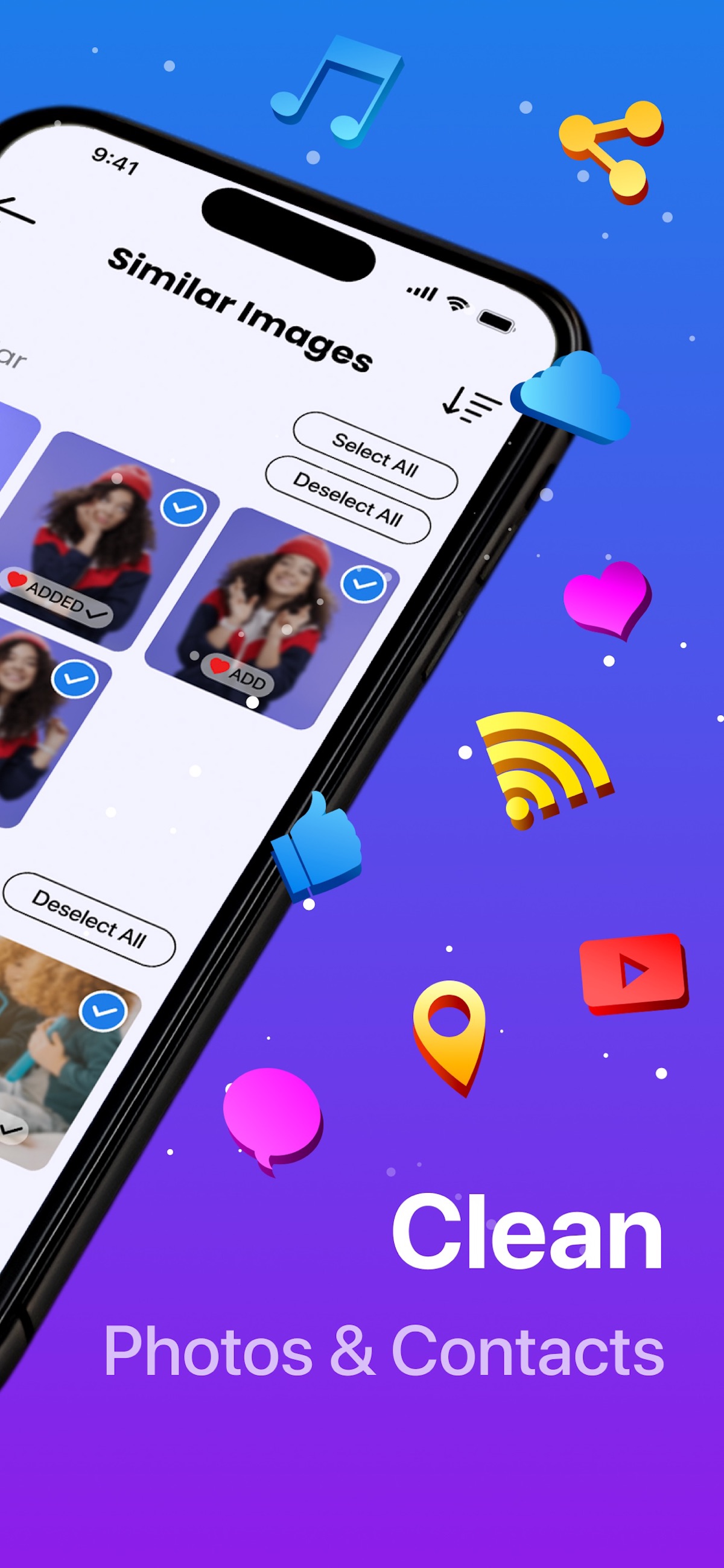
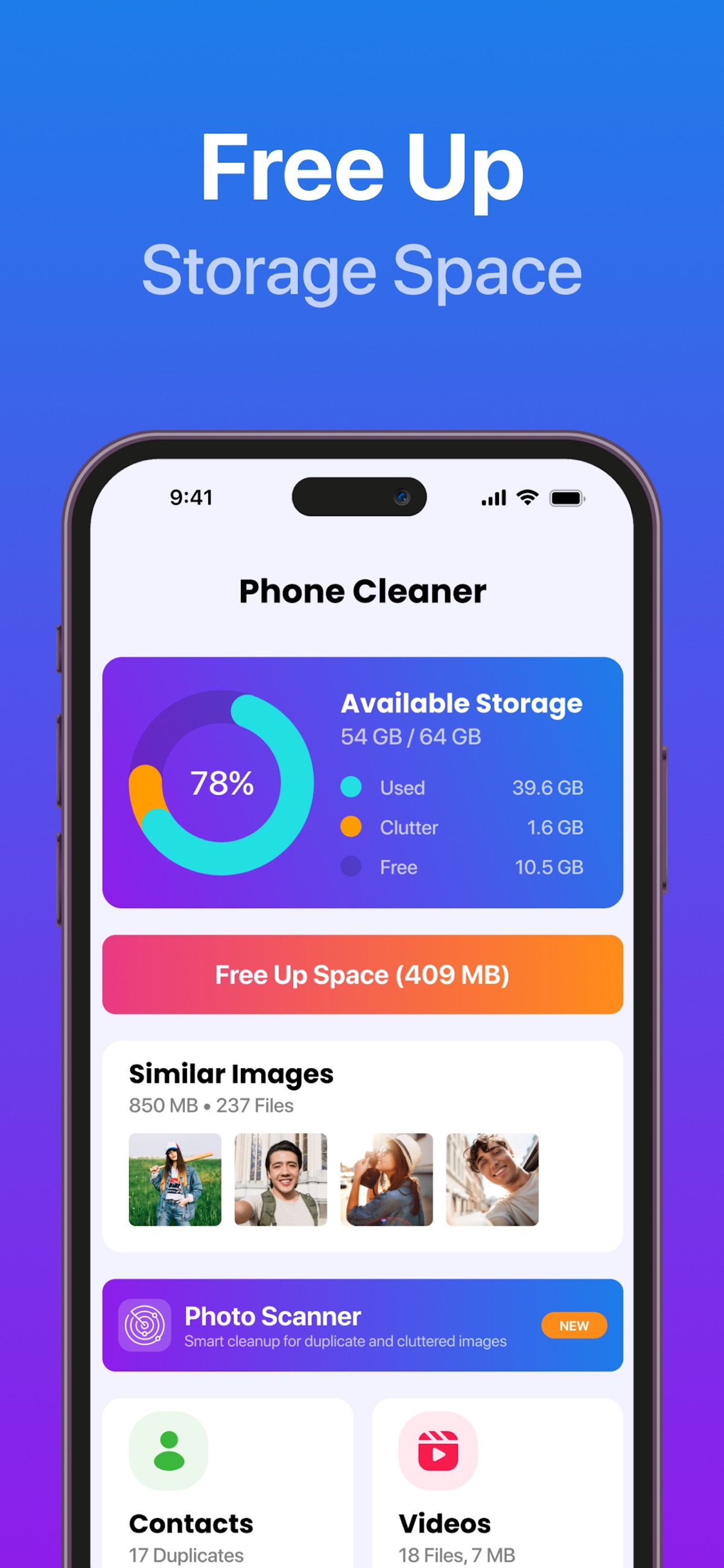
See repeated copies and groups of similar shots, then choose which images to keep. Similar photos may contain different details worth preserving.


Photo cleanup & storage tools for iPhone
Took six photos of the same moment? AI Cleaner by Shaffans Studios groups similar shots on your iPhone so you can compare them. Keep the expression you like, then review what you want to delete.

 On a computer?
Free download · In-app purchases · iOS 17.0+

A CLOSER LOOK
Official App Store screenshots.
Select an image to see it in detail.
SMALL DETAILS. A BETTER EVERYDAY.
See repeated copies and groups of similar shots, then choose which images to keep. Similar photos may contain different details worth preserving.
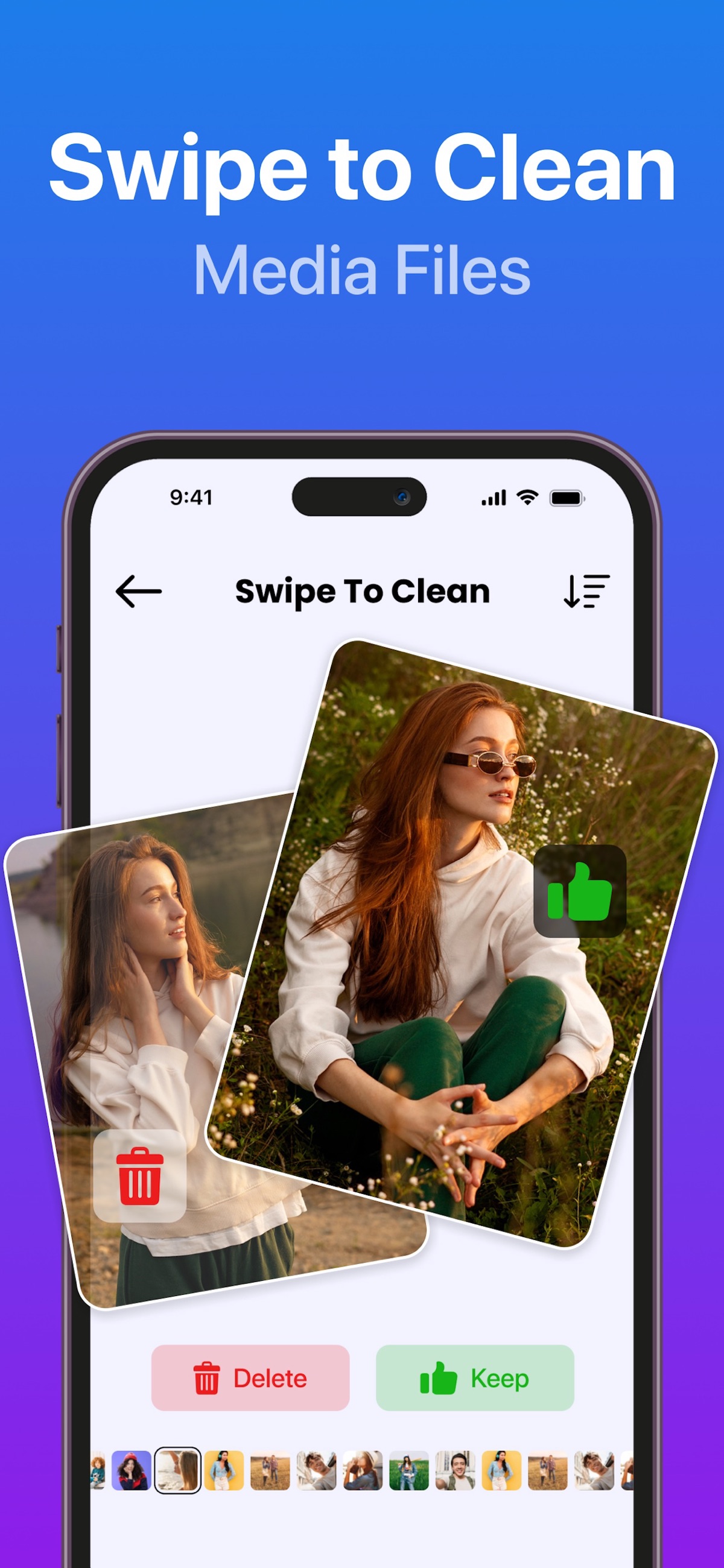
Review screenshots in one place, or use keep-or-delete gestures to work through camera-roll clutter.
Reduce file size when an original is larger than you need. Preview the result and preserve the original when its quality matters.
Review duplicate contacts and use the photo and video vault. Read the in-app instructions before moving or deleting anything.
IN REAL LIFE
Review groups of similar shots and keep the expressions, angles and moments you actually want. Similar does not always mean redundant.
Sort old tickets, directions and temporary references separately from receipts or information you still need.
Try compression on a copy and compare the result. Keep the original if detail or future editing is important.
You choose what to remove. Back up important originals and review deletion or vault actions before confirming them.
FROM DOWNLOAD TO EVERYDAY
A LITTLE MORE CLARITY
Yes. It groups repeated copies and similar images for review. Similar images may have meaningful differences, so compare them before deleting.
When iCloud Photos is enabled, deleting an item can remove it across devices using the same Apple Account. Keep a separate backup of irreplaceable photos before cleanup.
Deleted photos normally remain in Recently Deleted for 30 days. Storage use also includes other apps and system data. Do not permanently remove recovery copies until you have checked your selection.
No unrestricted cache access is available. AI Cleaner focuses on accessible content such as photos, videos and contacts, rather than other apps’ private system storage.
Compression can change quality. The result and space saved depend on the file and settings. Preview a sample and keep the original when quality matters.
AI Cleaner requires iOS 17 or later. Check the App Store for current compatibility and in-app purchase options.
Need a hand? Contact our team ↗
PRACTICAL HELP
AI Cleaner · 5 min readClean duplicate photos with Apple Photos or review similar shots with AI Cleaner. Learn what to keep, how deletion works and why storage may not change immediately.
Read the guideAI Cleaner · 4 min readUnderstand why Apple Photos may not show Duplicates, how indexing works, and how to review similar pictures with AI Cleaner without deleting blindly.
Read the guideAI Cleaner · 6 min readFree up iPhone space without buying more iCloud storage: find what takes space, clear duplicate and similar photos, old screenshots, big videos and app data, step by step.
Read the guideAI Cleaner · 5 min readDeleted photos but iPhone storage did not change? Check Recently Deleted, iCloud Photos, System Data, Messages attachments and large videos. What each one means and how to fix it.
Read the guideAI Cleaner · 6 min readVideo too big to send or filling your storage? Free built-in ways to shrink videos on iPhone, how to compress them in AI Cleaner, and how to keep quality.
Read the guideTHERE’S MORE FROM SHAFFANS