Create questions from your study material
Upload a PDF, image or screenshot and generate study questions from its contents. Start with a clear, focused section of material.


AI flashcards & study app for iPhone
A folder full of notes is just the beginning. Owly turns your study material into questions you can practise, revisit and share.

Free download · In-app purchases · iOS 17.0+

A CLOSER LOOK
Official App Store screenshots.
Select an image to see it in detail.
SMALL DETAILS. A BETTER EVERYDAY.
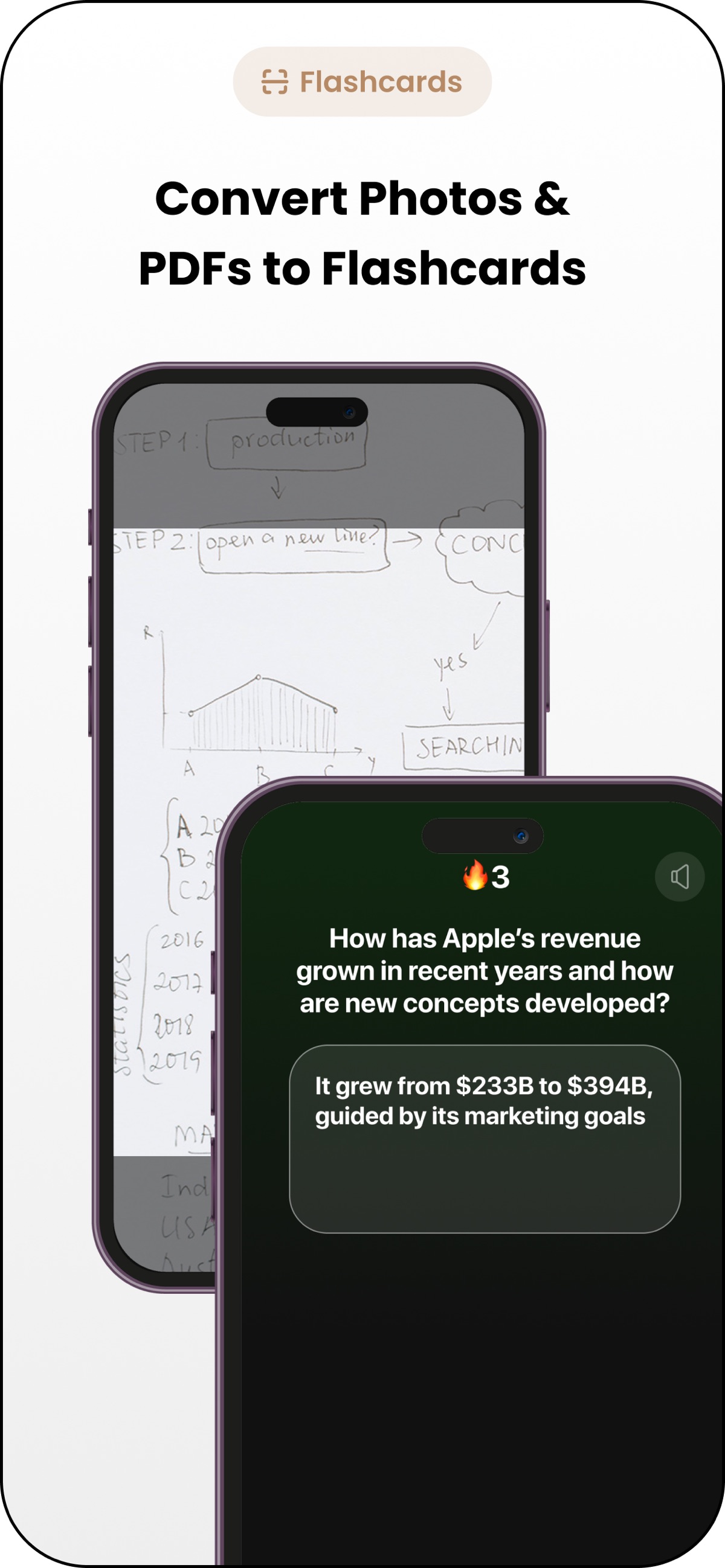
Upload a PDF, image or screenshot and generate study questions from its contents. Start with a clear, focused section of material.
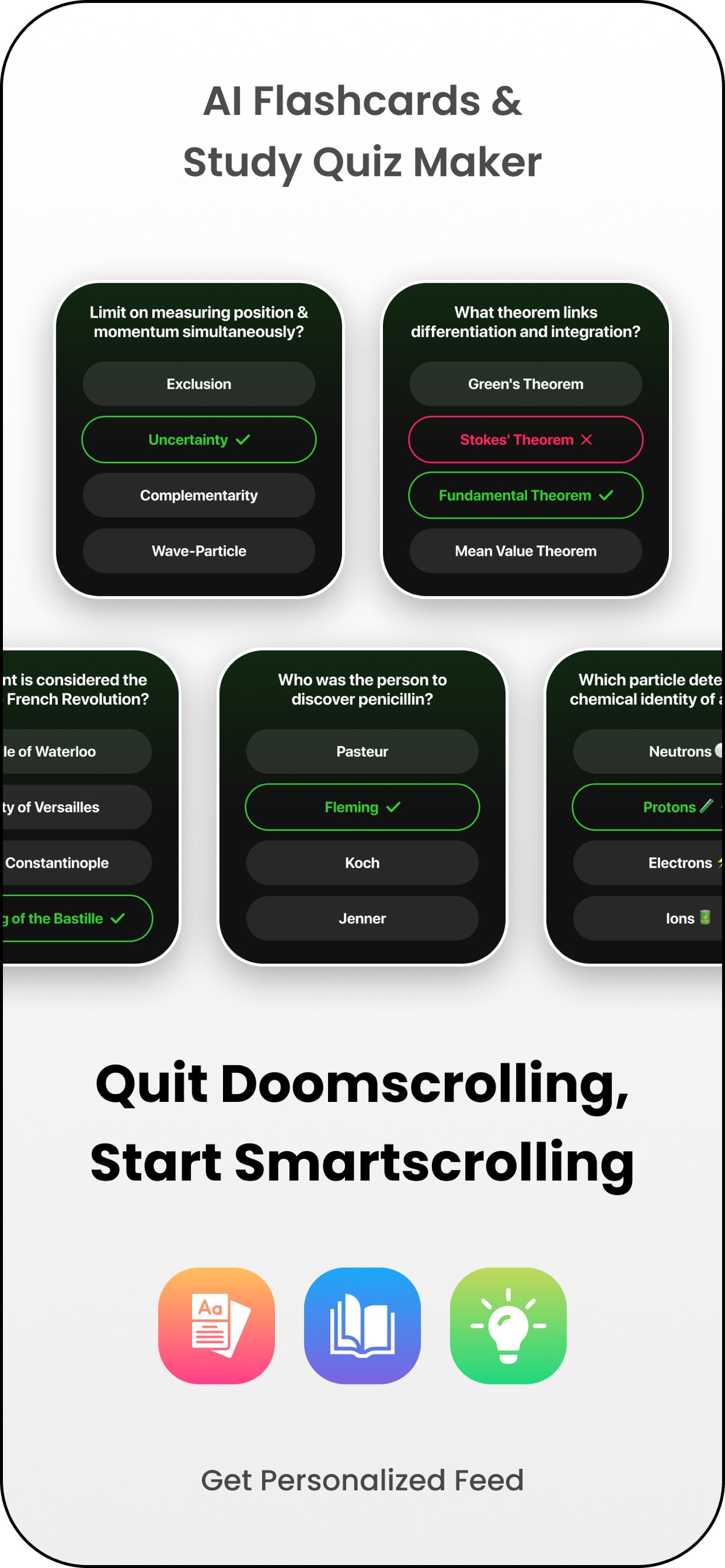
Use flashcards, multiple-choice quizzes or free-response questions. Pick easy, medium or hard difficulty for the session.
Keep generated questions in your library and revisit them. Owly includes public and private question sets and a scrollable study feed.
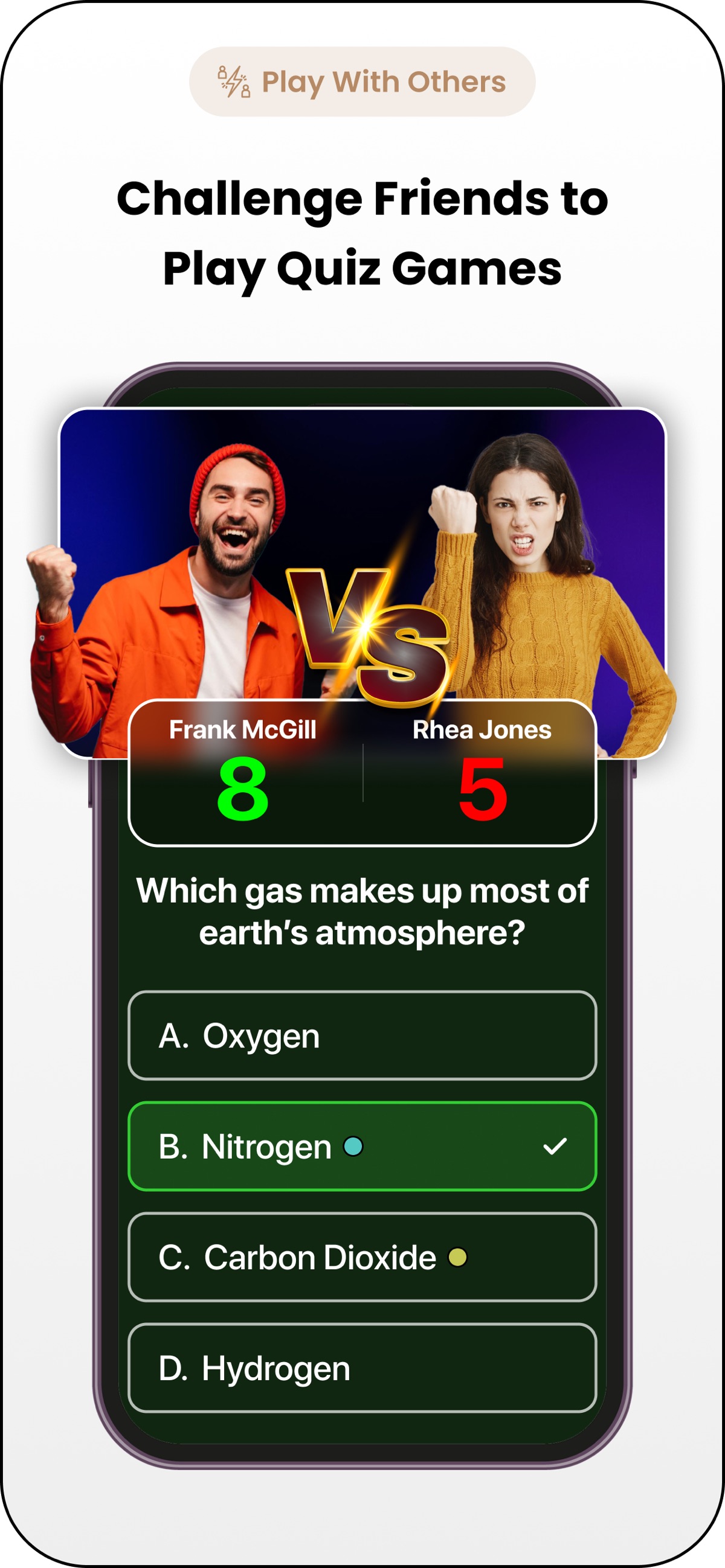
Create a quiz, invite a friend and compare results. Use the questions you missed as a starting point for another review.
IN REAL LIFE
Turn a focused section of notes into flashcards. Check the answers against the lecture before beginning a recall session.
Try multiple-choice questions first, then use free-response practice to explain the ideas in your own words.
Build a set from material you can share, invite a friend and compare missed questions. Return to the source when an answer is unclear.
AI-generated study material needs review. Check answers against your original sources, and avoid uploading private or restricted documents.
FROM DOWNLOAD TO EVERYDAY
A LITTLE MORE CLARITY
Yes. Owly accepts PDFs, images and screenshots and can generate flashcards and other question formats from them.
Owly supports flashcards, multiple-choice quizzes and free-response questions, with easy, medium and hard difficulty choices.
Yes. Generated questions can misread or omit context. Compare them with your notes, textbook or other reliable course material before studying from them.
Yes. Owly supports quiz challenges with friends and shows results for comparison. Share only material you have permission to share.
Owly includes both public and private question sets. Review the sharing choice for each set before publishing or sharing it.
Owly is free to download with in-app purchases and requires iOS 17 or later. Check the app or App Store for current plans and limits.
Need a hand? Contact our team ↗
THERE’S MORE FROM SHAFFANS